
8171 Verification of Payment via Web Portal
Verification of payment using the 8171 Web Portal BISP is still providing low-income people in Pakistan with vital financial assistance. Under this program, the Pakistani government is giving Rs. 13,500 to qualified households in June 2025.
You can read more: 8171 BISP Payment for CNIC Verification Through an Upgraded Web Portal and Digital System 2025
However, it’s crucial to use the official 8171 Web Portal to verify your eligibility and payment status before you may properly withdraw your money. By doing this step, you may make sure your money is available before you go to an ATM or BISP merchant location.
Simply by failing to verify their status beforehand, many recipients encounter difficulties throughout the withdrawal procedure. Long lines, unsuccessful biometric verifications, and lost time may all be avoided with a straightforward verification procedure.
The first step is to verify your payment status on the 8171 site, regardless of whether you want to withdraw money from an ATM or a local store.
Why Verifying BISP Payment Status Is Necessary Before Withdrawing
Check to see if your payment has been accepted and processed before going to any ATM or payment facility. Payments are made in stages, and BISP keeps a centralized database. You could not get your money if your record is lacking, your CNIC is out of date, or your biometric verification is unsuccessful. By checking your status in advance, you may avoid these problems.
| Category | Details |
|---|---|
| Payment Amount | Rs. 13,500 |
| Verification Portal | 8171.bisp.gov.pk |
| Required Info for Portal | 13-digit CNIC & captcha code |
| Verification Purpose | Confirms eligibility, payment status & prevents biometric/ATM issues |
| ATM Withdrawal Steps | Use HBL ATM → Insert CNIC/biometric → Select BISP → Enter CNIC → Withdraw |
| Retailer Withdrawal | Show CNIC → Thumbprint scan → Get printed slip + cash |
| Common Problems | Unregistered SIM, old CNIC, biometric inconsistency, and late payment |
| Resolution Tips | Update CNIC, dynamic survey, visit Tehsil office if flagged or not receiving payment |
| Deadline for Updates | June 30, 2025 |
| Support Location | BISP Tehsil Offices & Registered Retailer Outlets |
Furthermore, the verification serves to ensure that the payment is linked to your correct CNIC and family profile. Because BISP verifies identification using biometric technologies, if your information doesn’t match, you can be flagged as ineligible or have your record temporarily banned.
Easy Steps to Use the 8171 Web Portal to Confirm 13500 BISP Payment
BISP Payment Confirmation Process
• Visit the official 8171 BISP portal: https://8171.bisp.gov.pk.
• Type the captcha code as shown.
• Click the “Check Status” button.
• Eligibility and payment details appear.
• Real-time updates from the BISP central server.
How to Use an ATM to Withdraw Rs. 13,500 in BISP Payment
ATM BISP Transactions Process
• Visit nearest HBL ATM.
• Place thumb or BISP card in biometric scathe nearest
Choose BISP payment option.
• Enter CNIC number when prompted.
• Cothe BISPm amount (Rs. 13,500 or less for partial withdrawal).
• Collect cash and receipt.
• ATMs open 24/7; fingerprints must be clean and dry before scATMs areng.
BISP Retailer Shops Removing BISP Payment
BISP Retailer Input Method for Cash Payment
• BISP retailer outlets in Pakistan are authorized for fund distribution.
• Requires original CNIC and registered mobile number.
• Present CNIC to staff and place thumb on biometric device.
• Ideal for beneficiaries in rural areas or without ATM cards.
• Retailer staff can guide or refer to the nearest BISP office.
Common Issues with BISP Withdrawal and Their Solutions
Common Payment Issues and Solutions
• No reply from 8171 after SMS: Ensure mobile SIM has balance and is registered under CNIC.
• CNIC not registered or outdated: Update data at the nearest BISP office via the dynamic survey process.
• Fingerprint mismatch: Wash hands, dry completely, retry, and visit the BISP office for NADRA verification.
• Payment shows on portal but not received: Visit the assigned payment center or retailer with your CNIC.
• Marked as ineligible: Update household and income details before June 30, 2025 for system re-evaluation.
Advice for a Secure and Simple Withdrawal Process
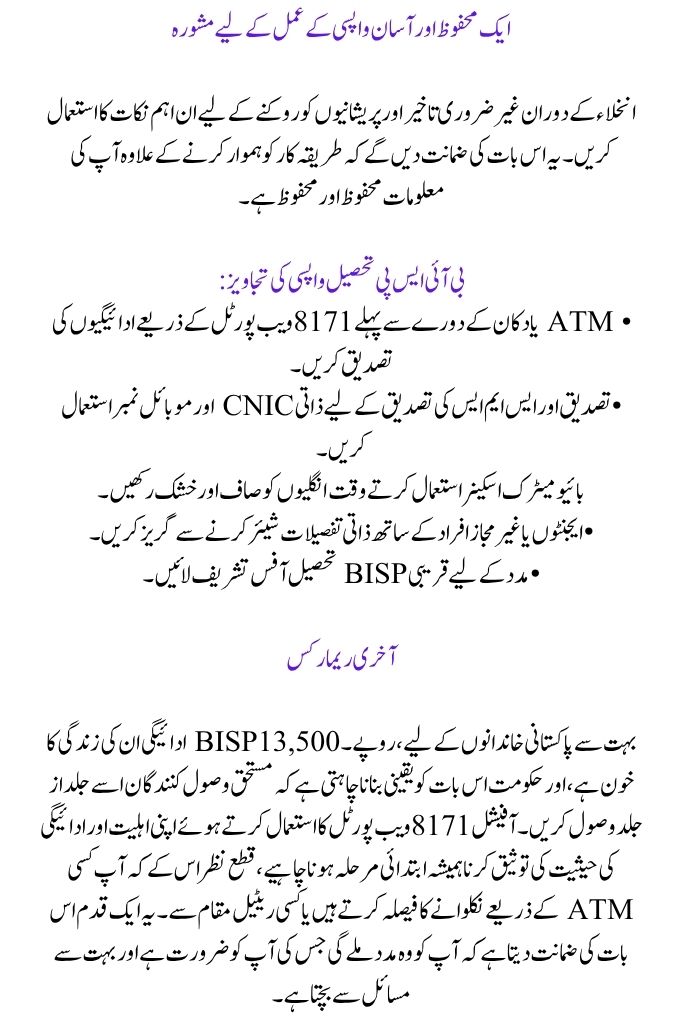
Use these crucial pointers to prevent needless delays and hassles during withdrawal. These will guarantee that your information is safe and secure in addition to streamlining the procedure.
BISP Tehsil Withdrawal Tips:
• Confirm payments via the 8171 Web Portal before ATM or shop visits.
• Use personal CNIC and mobile number for verifications and SMS confirmations.
• Keep fingers clean and dry when using biometric scanners.
• Avoid sharing personal details with agents or unauthorized persons.
Last Remarks
For many Pakistani families, the Rs. 13,500 BISP payment is their lifeblood, and the government wants to make sure that the worthy recipients receive it as soon as possible. Verifying your eligibility and payment status using the official 8171 Web Portal must always be the initial step, regardless of whether you decide to withdraw through an ATM or a retail location. This one step guarantees you get the help you need and avoids a lot of issues.
You can read more: BISP 13500 Payment Missed June 2025: Determine the Cause and Locate a Local Cash Center
Keep in mind that June 30, 2025, is the deadline for updating your dynamic survey and fixing any problems. Remain informed, remain validated, and get your money with respect and simplicity.
FAQs
1. Why should I use the 8171 portal to confirm my BISP payment before making a withdrawal?
Verifying your payment indicates that your Rs. 13,500 is available for withdrawal and guarantees your eligibility. It avoids typical concerns like fingerprint inconsistencies, out-of-date CNIC problems, or showing up at a payment location with no money.
2. In the event that my fingerprints do not match during biometric verification, what should I do?
Before attempting again, make sure your hands are completely clean and dry. If the issue persists, go to the BISP or NADRA office that is closest to you to update your fingerprint data. Retrying too often without washing your fingers might result in your account being temporarily locked.
3. What are the essential items to have on hand when making a BISP cash withdrawal at a store?
8171 Portal Verification Requirements
• Original CNIC
• Registered mobile number
• Working biometric thumb scan
• Verified withdrawal status